
Overview
EndNote is a useful tool for collecting, managing, and drafting citations of works used in your research. Once you create an EndNote Web account and use while logged in to myCI, you will be able to store citations from the library databases into your library/account. This tool can be a timesaver for research and writing with research.
Create an EndNote Web Account
Here are the steps to create an EndNote Web Account:
- Log in to myci.csuci.edu (this will authenticate you to all of the Library’s databases).
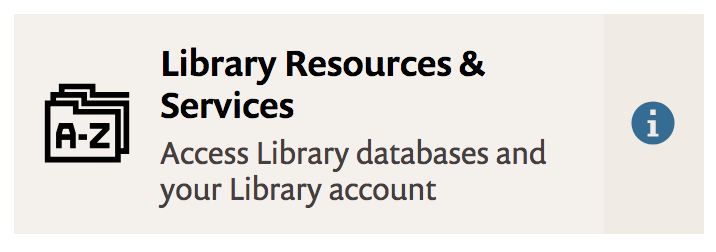
- Go to the Library option by clicking on Library Resources and Services.
- Scroll down to Research Tools and click Databases A-Z.

- Click on the E or scroll down the page until you get to databases that begin with E. Locate EndNote Web and click on it. Note: if you are not logged in with your CSUCI credentials, the system will ask for it.

If you do not have an EndNote Web account, choose the Not a member yet? Register option. You can use any email address you prefer for your account, but be sure to use an email that you will remember.

