Sharing Bulbs with an Instructor to Preview or Copy
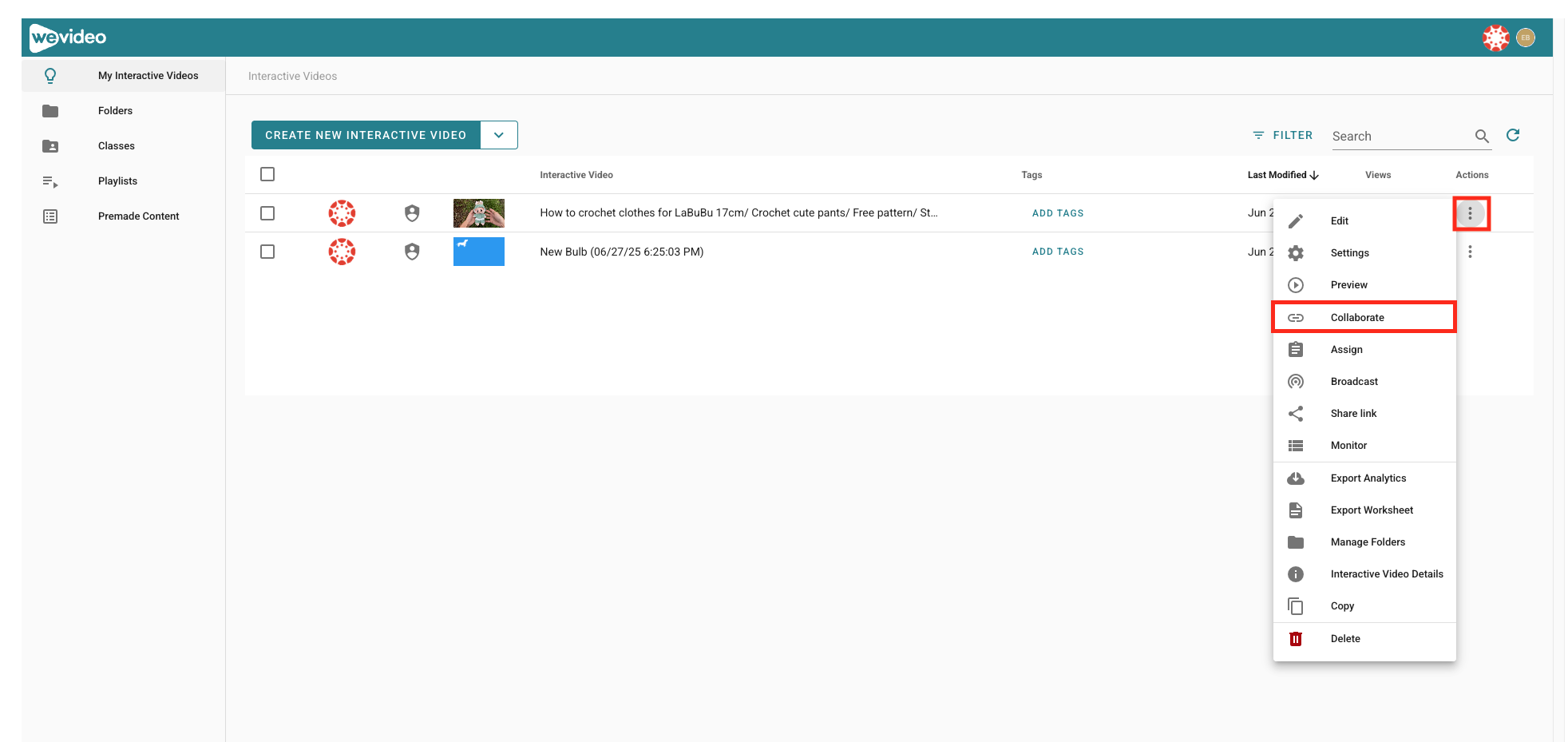
- From My Interactive Videos, click the interactive video thumbnail or the triple dots icon next to the specific bulb and select Collaborate.
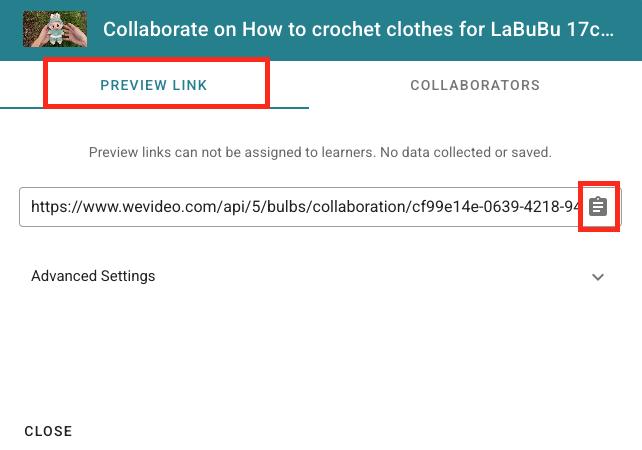
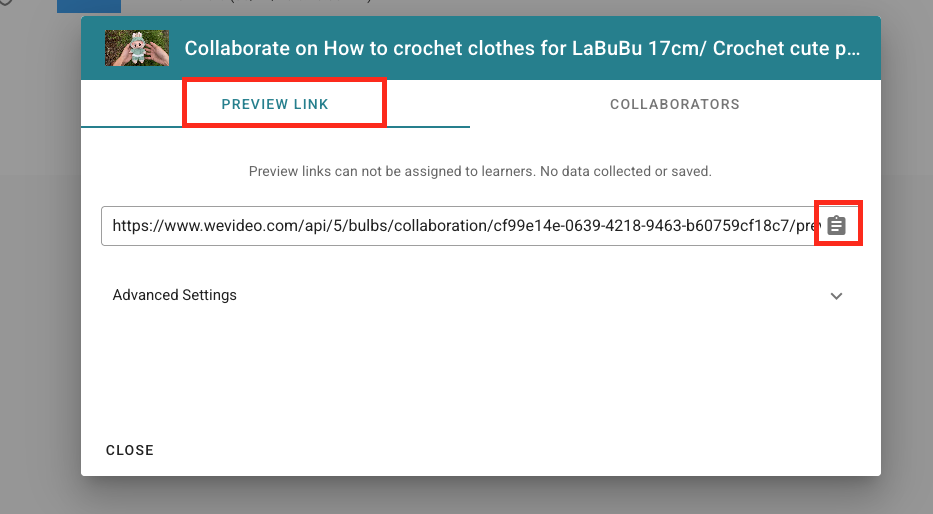
2. If you would like to copy and share this interactive video with a co-worker or other WeVideo instructor, select Preview Link and then click the clipboard icon to copy the link.
How to Share an Interactive Video outside of WeVideo
Use this workflow for sharing interactive videos with people who do not have WeVideo accounts or posting it outside of CI Learn.
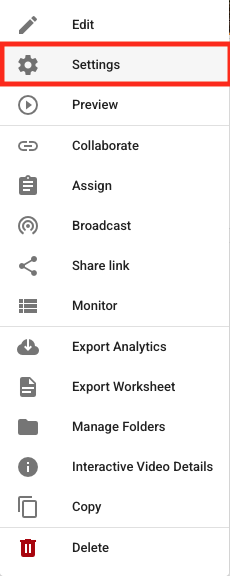
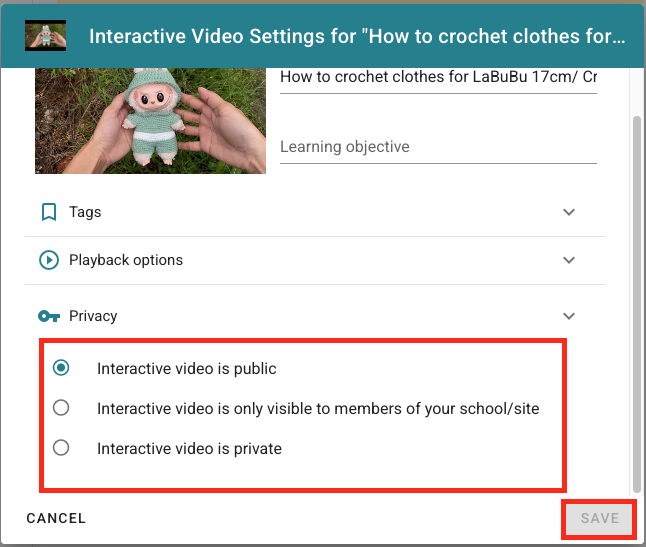
- Click the interactive video thumbnail or the triple dots icon and select Settings.
2. Under Privacy, select any of the public or visible options. Then click Save.
3. Click the interactive video thumbnail or triple dots icon and select Collaborate.
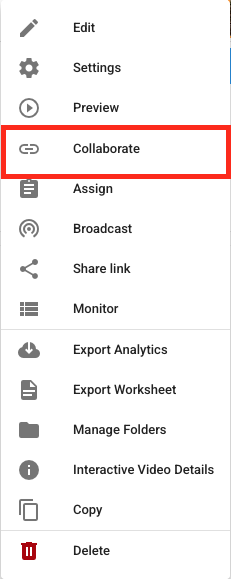
4. Select Preview Link and click the clipboard icon to Copy.