
To edit an interactive video that is already created, begin in CI Learn/Canvas.
- Navigate to the Assignment you want to edit. Click Enter.
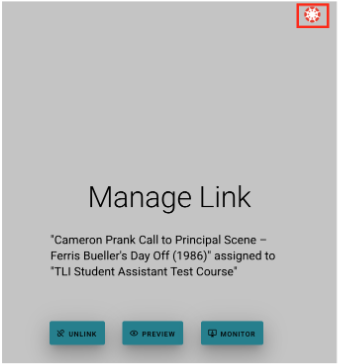
- The previous step will direct you to the My Interactive Videos menu. This is a list of all the bulbs you have either created or have access to. Scroll until you see the Interactive video you want to edit.
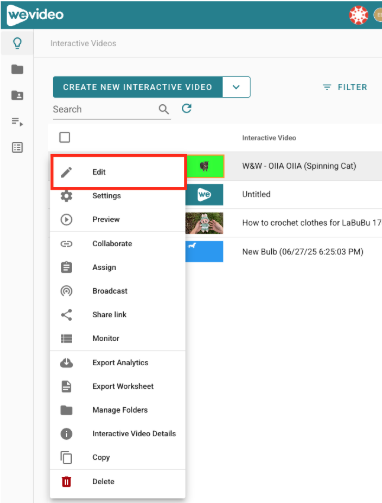
- Once you have found the Interactive video you wish to edit, click the thumbnail of the Interactive video and select Edit.
Congratulations, you are now in the PlayPosit Bulb editor. For more in-depth directions on editing individual interactions, check out WeVideo/PlayPosit’s Knowledge Base or our article on WeVideo/PlayPosit interactions.
