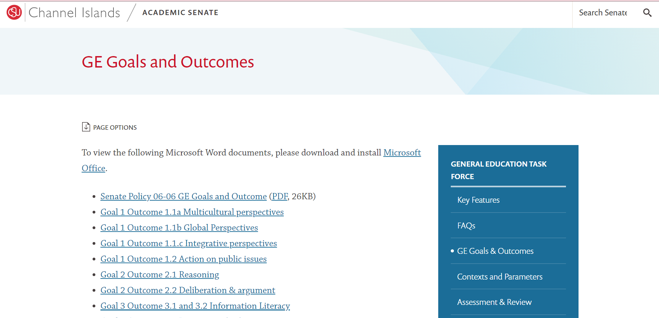
CSUCI GE Rubrics are located on CSUCI’s GE Goals and Outcomes site. Identify whichever one meets your needs. You can download the word document associated with each Learning Goal. Embedded within each goal are specific learning outcomes associated with individual rubrics for each outcome
Importing GE Outcomes into a Canvas Course
- Identify the GE rubric in Canvas Outcomes. Open a specific course shell in Canvas. Select Outcomes on the left as pictured below. Then select Find on the top right.

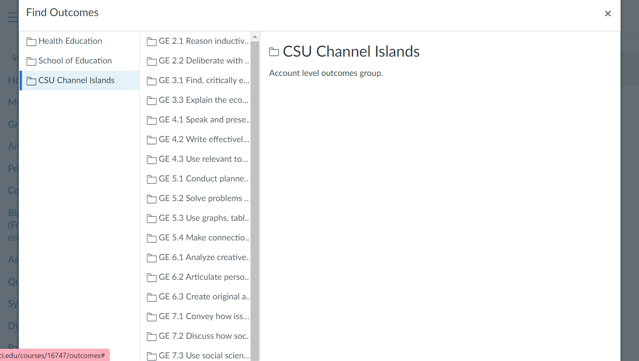
- Click CSU Channel Islands. You should see a list of GE rubrics show up. Select the Learning Goal that you identified in Step #1. It should have the same name, such as “GE 3.3”.
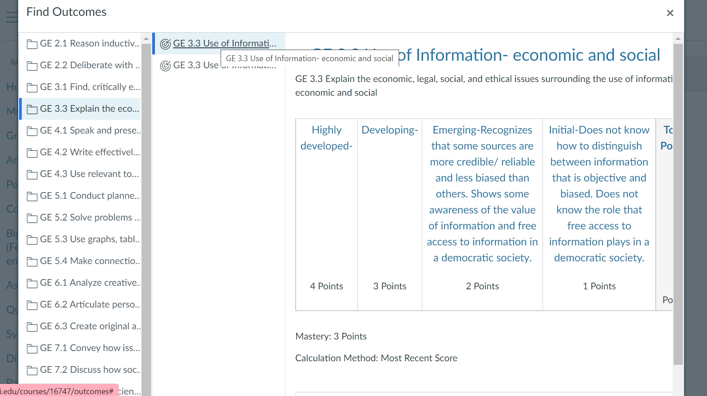
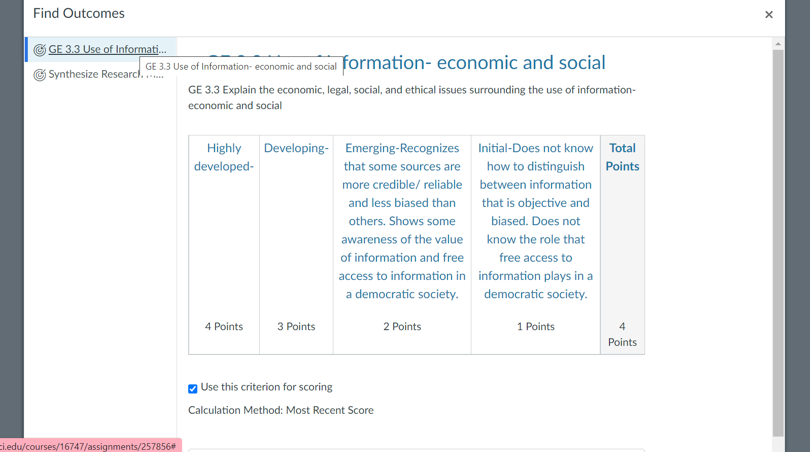
- Select the specific Learning Outcome rubric from the Goal you selected, such as “GE 3.3 Use of Information-economic and social”.
- Next, scroll down and click the Import button.
Adding an Outcome Rubric to an Assignment
- Go to the Assignment that you would like to apply the rubric to. If you haven’t created the assignment in your Canvas course yet, do so now.
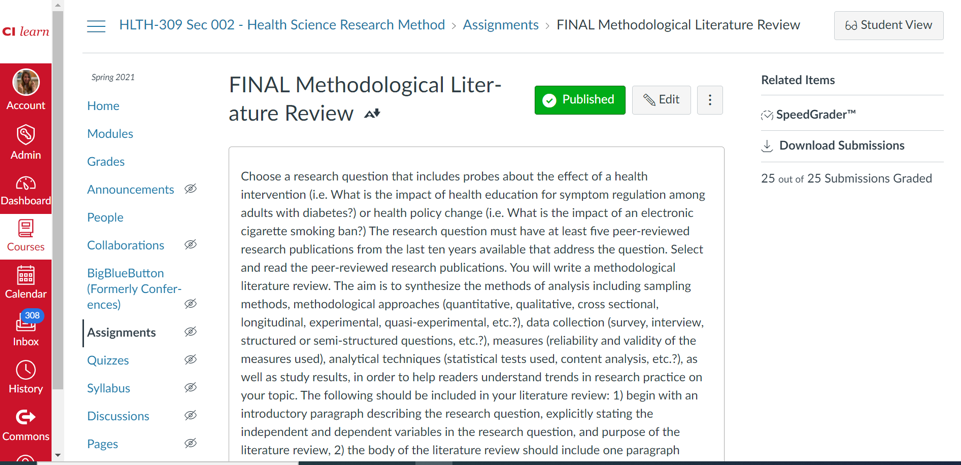
- Scroll down and click the + Rubric button
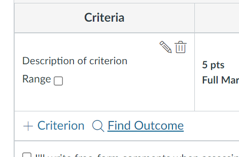
- Scroll down and click Find Outcome
- Select the GE Rubric Outcome that you would like to use. The outcome or outcomes that you’ve imported using steps 1-4 will appear here.
- Scroll down and click Import
- It will now show up alone or below another rubric you already had for that assignment
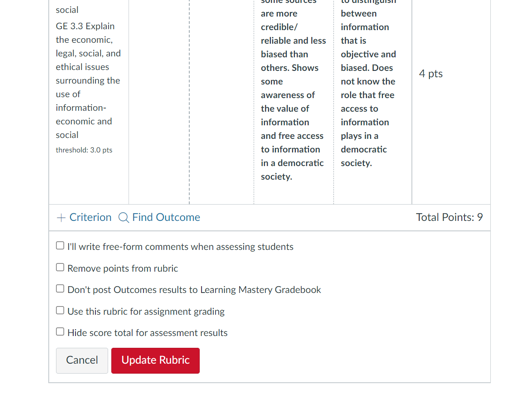
- Scroll down and select options such as Use this rubric for assignment grading if you would like to just use it for program assessment and a grade. If you’d like to use it solely for assessment, be sure that “Use this rubric for assignment grading,” is unchecked. Then, click the Create Rubric or Update Rubric button at the bottom.